_2.svg)
Businesses migrate from Sitecore to Webflow to drastically lower the total cost of ownership, eliminate developer bottlenecks for marketing teams, and improve site speed. While Sitecore is a powerful digital experience platform, its heavy infrastructure and six-figure licensing fees often outweigh its benefits for companies that do not use its advanced personalization features.
Choosing the right agency often matters more than choosing Webflow. SEO rankings, organic traffic, and business continuity all depend on execution. A single missed redirect map or dropped metadata set can hold back your organic search for more than a year.
This guide covers:
- Why businesses are migrating from Sitecore to Webflow in 2026
- The best Sitecore to Webflow migration agencies
- How to protect SEO during a platform migration
- How to evaluate and choose the right migration partner
Use it to compare agencies, understand the migration process, and make a confident decision before you start.
Why companies move from Sitecore to Webflow
1. Reduce maintenance and improve performance
Sitecore's three-year total cost of ownership ranges from $700,000 to $2 million when licensing, implementation, infrastructure, and developer costs are combined. The average enterprise Sitecore license runs $461,364 per year.
Webflow runs on managed hosting with no plugin stack, no version upgrades, and consistent PageSpeed scores of 85 to 95. Performance is part of the platform, not an additional configuration project.
2. Give marketing teams more control
On Sitecore, routine changes require a developer or an agency retainer. Webflow's Editor lets marketing teams publish pages, update content, and launch campaigns without writing a line of code. Teams moving to Webflow report cutting time-to-market by 94% and improving editing efficiency by 80%.
Webflow is used by 1.2% of websites with a known CMS globally, and that figure understates its growth in B2B SaaS specifically.
Comparing Sitecore vs Webflow at a glance
This is a decision aid, not a feature comparison. Use it to identify where Sitecore is serving your business and where it is getting in the way.
3 best Sitecore to Webflow migration agencies
1. Lil Big Things
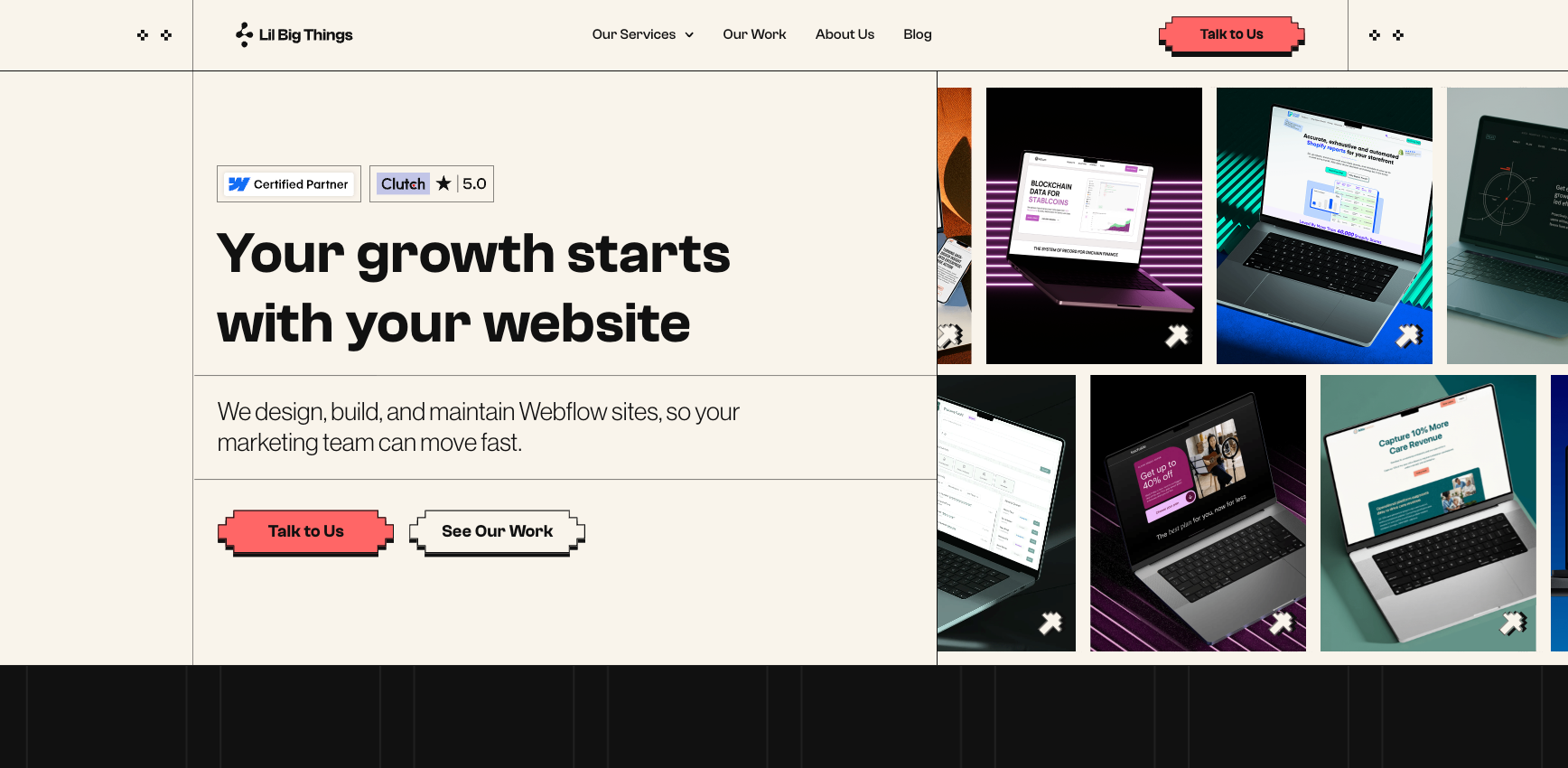
Lil Big Things is a Premier Verified Webflow agency for B2B SaaS and tech companies from Seed through Series C. Since 2021, we have shipped 150+ sites with a 95% on-time delivery rate and a 9.2+ NPS from clients across four continents.
Migration expertise: Full-scope end-to-end migrations covering site audit, CMS restructuring, redirect mapping, metadata transfer, integration wiring, and post-launch SEO monitoring. See their Webflow development work for the full scope of what this covers in practice.
Best suited for: B2B SaaS, MarTech, AI, Data, FinTech, and HealthTech companies with marketing teams of two to 15. Organizations leaving Sitecore that want to redirect their platform budget toward growth rather than infrastructure.
SEO capabilities: SEO is built into the process from day one, not bolted on at the end. Pre-migration site crawl, redirect mapping, exact metadata transfer, schema via custom code, and two weeks of daily Google Search Console monitoring post-launch.
Notable strengths: Every migration decision is made around one question: can the marketing team operate this site independently after launch? CMS architecture, publishing workflows, component libraries, and team training are all designed around that standard. LBT works in your Slack, uses your tools, and aligns to your timelines. This is an embedded model, not a handoff one.
2. Composite
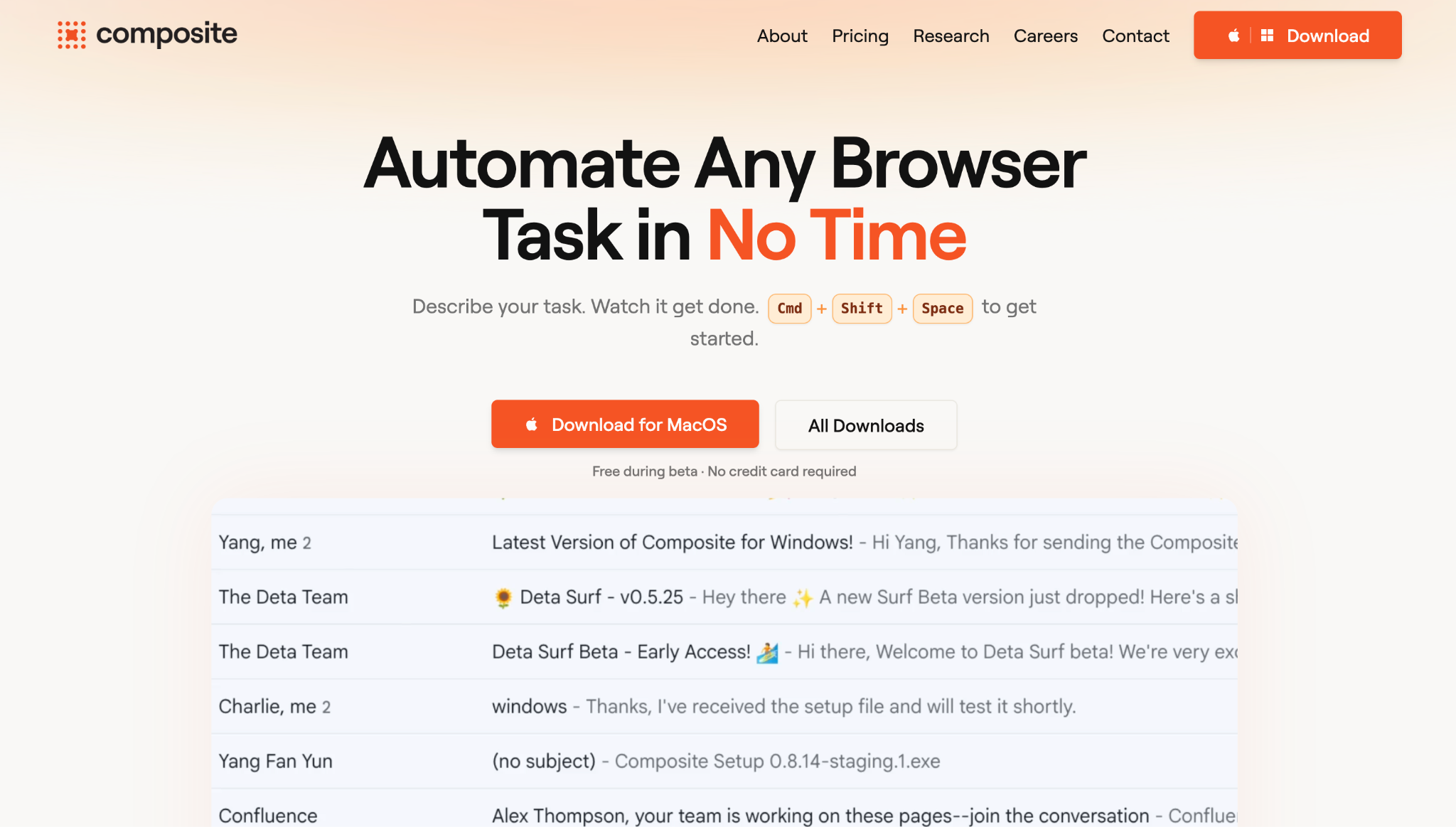
Composite is a Webflow Enterprise Partner based in Brooklyn, New York. One of the earliest dedicated Webflow agencies, on the platform since 2018. They build websites for scaling tech companies and enterprises across Finance, SaaS, MedTech, eCommerce, Energy, and Automotive sectors.
Best suited for: Enterprise and mid-market organizations with complex Sitecore environments, deep integration dependencies (Salesforce, xConnect, Coveo), and internal DevOps and IT stakeholders who need to be involved in migration planning and cutover.
Migration expertise: Composite treats Sitecore migrations as the most complex in their portfolio and scopes them accordingly. Their process runs from initial audit through QA and launch, with standard builds completing in nine weeks and complex enterprise environments running three to six months. Content migration covers Sitecore item trees mapped to Webflow CMS Collections with field-level documentation before migration tooling runs. Integration dependencies are audited and re-engineered for the Webflow environment.
SEO capabilities: A dedicated SEO week handles redirects, metadata, schema, and canonical tags. Post-launch tracking covers speed tests, heatmaps, session recordings, and SEO monitoring tools.
3. BROWORKS
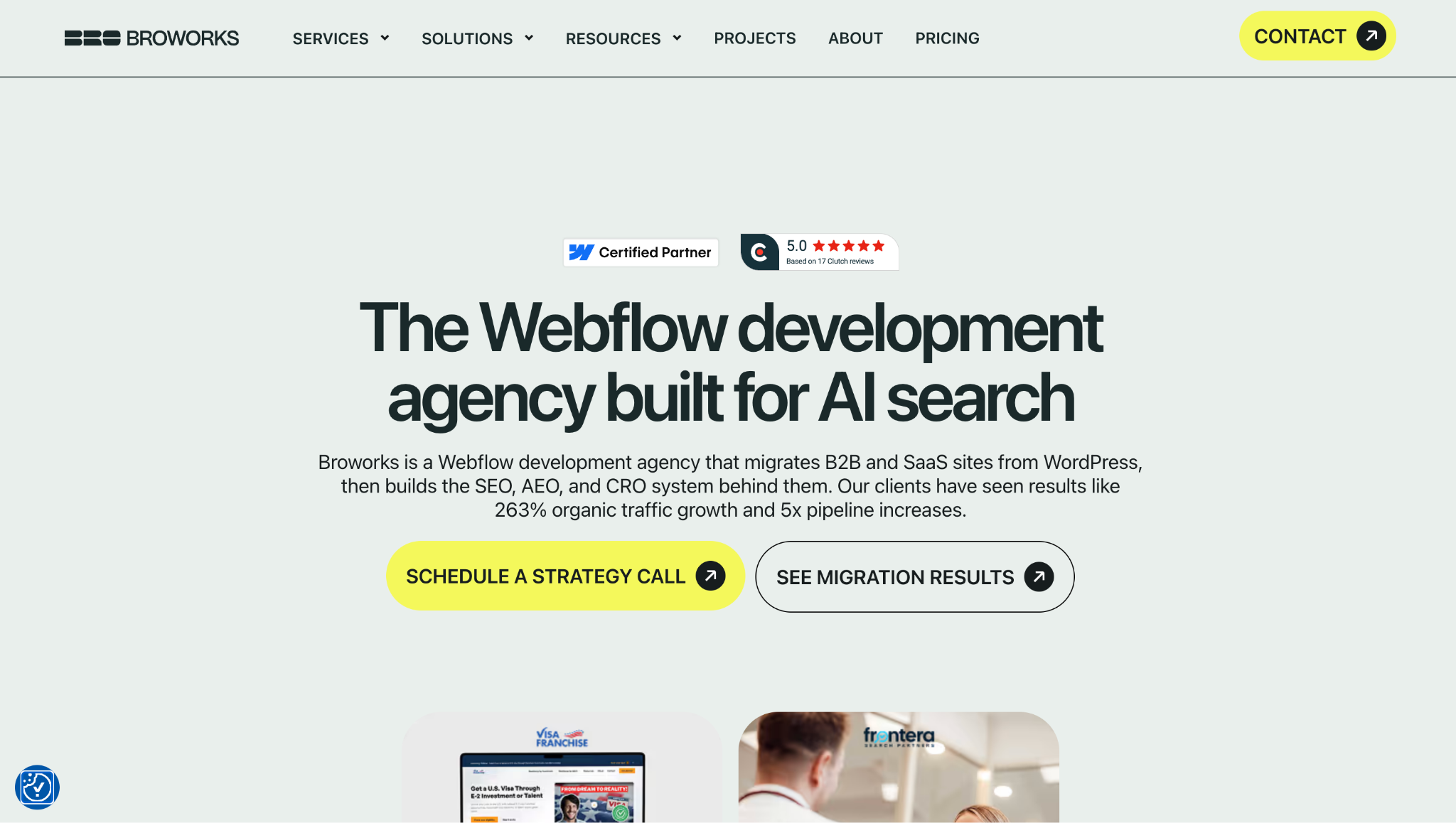
BROWORKS is a certified Webflow agency founded in 2019. Headquartered in Pancevo, Serbia, with a second office in Montreal, Canada. Thirty-plus person senior-only team serving clients across the US, Canada, and Europe. They operate on a Website-as-a-Product model, treating sites as long-term business systems rather than one-off projects.
Best suited for: B2B SaaS, tech, and growth-stage companies that need fast turnaround, transparent pricing, and ongoing growth support after launch.
Migration expertise: Three-week sprint migration covering UX, SEO mapping, and Webflow rebuild. 150+ Webflow projects delivered. Pricing: projects from $10,000 to $20,000+; retainers from $3,900 per month.
SEO capabilities: Technical audits, schema, structured data, and AEO (Answer Engine Optimization) built in from the start. Median organic traffic growth across tracked builds: +178%. Client result: +263% organic traffic for Visa Franchise.
Common Sitecore migration challenges (and how experienced agencies solve them)
1. Large content libraries
Sitecore organizes content as item trees: hierarchical nodes with templates, presentation layers, and field schemas. There is no automated transfer to Webflow. Content is exported via Sitecore's REST API, cleaned, and reformatted to match Webflow's CMS import schema.
Every content type maps to a Webflow CMS Collection, with field-level mapping documented before migration begins. Media libraries need a full audit too. Orphaned assets are common on legacy Sitecore builds.
2. SEO preservation
Every redirected URL needs a 301 redirect before the DNS switches. Metadata transfers field by field, not approximately. Canonical tags must be set correctly for every page in Webflow. Staging environments need to block indexing so Google does not crawl a partial build. Internal links pointing to old Sitecore URLs need to be updated. XML sitemaps and robots.txt need verification and resubmission to Google Search Console immediately after launch.
3. Custom features and integrations
Sitecore's personalization engine (xConnect), Experience Forms, multivariate testing, and site search (Coveo or Solr) do not transfer to Webflow. Each must be audited and replaced with the right third-party tooling. Common integrations requiring re-engineering: Salesforce, HubSpot or Marketo, analytics platforms, and content approval workflows. A capable agency produces a capability mapping document before any migration work begins so nothing gets discovered mid-project.
How a professional Sitecore to Webflow migration works
Here is what a well-run migration looks like from start to launch, and what your agency should be doing at each stage.
1. Website audit and discovery
A full audit of the Sitecore instance covers content structure, template architecture, workflow configuration, integration points, URL structure, and indexed pages. The output is a migration specification and capability mapping document that technical leadership reviews before any migration work begins. For Sitecore, this phase is more involved than for other CMS platforms because of the integration depth.
2. Migration planning
Content types are mapped to Webflow CMS Collections. The redirect map is built. Integration dependencies are prioritized. The personalization replacement stack is decided. Timelines and stakeholder review cycles are confirmed. This is the planning work that prevents costly discoveries mid-build.
3. Design and CMS migration
The site is rebuilt in Webflow. If the existing design is performant and on-brand, it is reproduced in Webflow's visual editor with a component library built for the marketing team. CMS Collections are structured from the migration spec. Content is transferred field by field. Integrations are wired into the new Webflow environment. The goal is a site that the marketing team can operate from day one.
4. SEO migration
The 301 redirect map is implemented. Title tags, meta descriptions, OG tags, and schema are transferred exactly. Canonical tags are reviewed on every page. The staging environment is verified against production robots.txt to prevent premature indexing. Internal links are audited and updated to new Webflow paths.
5. QA and testing
Full QA covers responsiveness across devices, link integrity, form submission testing, integration verification, page speed, and redirect chain validation. Enterprise migrations run parallel environments so the Sitecore site stays live until Webflow QA is fully passed.
6. Launch and post-launch monitoring
DNS cutover is coordinated with DevOps and IT. Google Search Console is verified and sitemaps are submitted immediately. Post-launch monitoring runs daily for 14 days: crawl errors, 404s, indexing confirmation, and a Core Web Vitals before-and-after comparison. Redirect chains are verified against the pre-launch map.
How much should you invest in a Sitecore to Webflow migration
Simple builds (30 to 80 pages, minimal integrations): six to ten weeks.
Mid-range (80 to 200 pages, HubSpot or Marketo integration): ten to 16 weeks.
Complex enterprise environments (200-plus pages, personalization replacement, Salesforce, multisite): three to six months.
Discovery findings set the actual timeline. Composite notes that complex Sitecore environments typically run three to six months from discovery to launch, and that assessment is accurate for most enterprise builds.
How to choose the right Sitecore to Webflow agency
Treat this like any vendor evaluation. Ask for specifics. Vague answers to concrete questions are a signal worth taking seriously.
- Proven migration experience: Ask for a case study from a Sitecore migration or a comparable enterprise CMS project. Any agency claiming Sitecore expertise should be able to describe exactly how they handled content mapping, integration re-engineering, and SEO preservation on a previous engagement.
- SEO expertise: The agency should describe their SEO migration process in concrete steps: pre-migration crawl, redirect map methodology, metadata transfer protocol, and a named post-launch monitoring period. If they cannot, the migration is a risk you should not take.
- Webflow specialization: Webflow Enterprise partnerships and Premier Verified status show the agency meets Webflow's highest performance standards. Check their Webflow partner profile and ask how many sites they have shipped on the platform.
- Technical capability: Sitecore migrations require in-house depth for integration re-engineering (xConnect, Salesforce, search), custom code for schema and functionality, and DevOps coordination for DNS cutover. Verify they handle this in-house, not through subcontractors.
- Transparent process: A trustworthy agency walks you through their full process before any contract is signed. Named deliverables, defined QA steps, and a committed post-launch monitoring period are the baseline. Vague timelines and "it depends" responses without explanation are red flags.
- Post-launch support: Migration is not the endpoint. Ask whether monitoring is included or billed separately, what the coverage period looks like, and whether a retainer option is available. The 90 days after launch are where most SEO problems surface.
Questions to ask before hiring a migration agency
Use these during your discovery calls. The answers will separate agencies that have done this before from those that are learning on your project.
- Walk me through your SEO migration process. What happens before, during, and after launch?
- How do you build the redirect map, and how do you verify every indexed URL is covered before DNS cutover?
- How do you handle Sitecore's item tree structure in Webflow's CMS? Walk me through the content mapping process.
- We use [Salesforce / HubSpot / Coveo / xConnect]. How do you handle replacing those integrations in Webflow?
- What does your QA process cover, and how do you test at scale before cutover?
- What is a realistic timeline for a site of our size and complexity? What typically causes delays?
- After launch, can our marketing team update the site without developer involvement? Will you train them?
- What does post-launch support look like? Is monitoring included, and for how long?
- How do you define a successful migration? What metrics do you track and report on?
- Can you show us a case study from a Sitecore migration or a comparable enterprise CMS project?
Why choose Lil Big Things?
Lil Big Things is built for B2B SaaS startups and scaleups, specifically marketing teams that have outgrown their current site and need to move without hiring an internal web team.
What separates our approach is that we think like marketers. From Webflow design to full builds, every decision is made to ensure that the marketing team uses this independently after launch. This determines how collections are structured, how the Editor interface is set up, and which integrations get built.
Clients like Teachable, Element5, Localyze, and Minoa come back for ongoing work because the systems actually work after handoff.
The ongoing partnership model is Slack-integrated, responsive, and accountable. It keeps us embedded in your workflow for as long as you need it.
Frequently Asked Questions
Simple Sitecore builds with minimal integrations take six to ten weeks. Mid-range builds with HubSpot or Marketo run ten to 16 weeks. Complex enterprise environments with personalization replacement, Salesforce integration, and multisite requirements typically run three to six months. Discovery findings set the actual timeline for your specific build.
Not if the migration is executed correctly. A well-run migration by an experienced agency typically results in no organic traffic loss. Webflow's clean code, fast hosting, and built-in SEO tools can improve rankings after launch. The risk comes from missing redirects, dropped metadata, or incorrect canonical tags. All of these are preventable with a documented SEO process.
Sitecore's personalization engine (xConnect), Experience Forms, multivariate testing, and site search do not transfer to Webflow directly. Each must be replaced with appropriate third-party tooling. A capable agency produces a capability mapping document during discovery so you know exactly what is being replaced before any work begins.
Ranges from $15,000 to $40,000 for simple builds, up to $250,000 and above for complex enterprise environments. For context: Sitecore's three-year total cost of ownership typically runs $700,000 to $2,000,000. A $100,000 migration investment is straightforward to justify against that baseline.
Possible, but not required. Migrating the existing design is faster and reduces risk. You change one variable at a time. If the design is outdated or underperforming, a concurrent redesign adds scope and cost but avoids running two projects back to back. Discuss this during discovery before committing either way.
Yes, for every indexed URL that changes. Even minor URL changes without a 301 redirect are a direct SEO risk. The redirect map should be built and verified before any DNS changes, not assembled after the fact. This is a non-negotiable part of any competent migration process.
Get a full crawl of your current site to identify every indexed URL. Document your current integrations and who owns them internally. Audit your content library for what needs to migrate and what can be archived. Identify the internal stakeholders, IT, DevOps, Legal, and Marketing, who need to be part of the migration and cutover process.
Sitecore's native personalization is replaced by a third-party stack in the Webflow environment. This typically means a personalization platform and an A/B testing tool sized to your actual usage and budget. This decision is made during migration planning, not after launch, so there is no capability gap when the site goes live.