Businesses move from Adobe platforms (such as Adobe Experience Manager or legacy setups relying on Adobe XD prototypes) to Webflow to escape heavy development bottlenecks, high licensing costs, and slow deployment cycles. Webflow offers a visual canvas that turns design directly into clean code, empowering marketing teams to launch pages quickly without depending on engineers.
The bigger risk is selecting the right agency to execute the migration. Choose the wrong one and you lose rankings, traffic, and months of recovery time you cannot get back. A poorly run migration can take over 500 days to recover from. Some sites never fully recover. The agency running your migration matters more than almost any other decision in this process.
- Why businesses are leaving Adobe Experience Manager for Webflow in 2026
- The best Adobe to Webflow migration agencies, compared side by side
- How to protect your SEO throughout the migration
- What to look for when evaluating and choosing a migration partner
This guide covers the agencies, the process, and the questions you need to ask. By the end, you will have what you need to make a confident decision.
Why companies move from Adobe to Webflow
1. Reduce maintenance and improve performance
AEM runs on Java. Every security patch, component update, and infrastructure change requires a developer with AEM-specific knowledge. Annual licensing starts at $30,000 and routinely exceeds $100,000 once hosting, support, and developer retainers are included.
Webflow is fully hosted on AWS with automatic SSL, a global CDN, and 99.99% uptime. There is nothing to patch, no server to manage, and no version upgrade to schedule.
2. Give marketing teams more control
In AEM, publishing a new blog post means raising a dev ticket, waiting for the next sprint, and going through QA before anything ships. That cycle can take days or weeks.
Webflow's visual editor changes that. Marketing teams update copy, build landing pages, and publish content without touching code. Webflow customers have reported a 67% decrease in dev ticketing after switching. That is fewer blockers and faster execution on every campaign.
Adobe vs Webflow at a glance
Before comparing agencies, it is worth confirming Webflow is the right move for your situation. This table covers the areas that matter most in the decision.
AEM is the right tool for global enterprises managing dozens of websites across languages and regions with dedicated digital ops teams. For most B2B SaaS marketing sites, Webflow is faster, cheaper, and puts the right people in control.
3 best Adobe to Webflow migration agencies
1. Lil Big Things
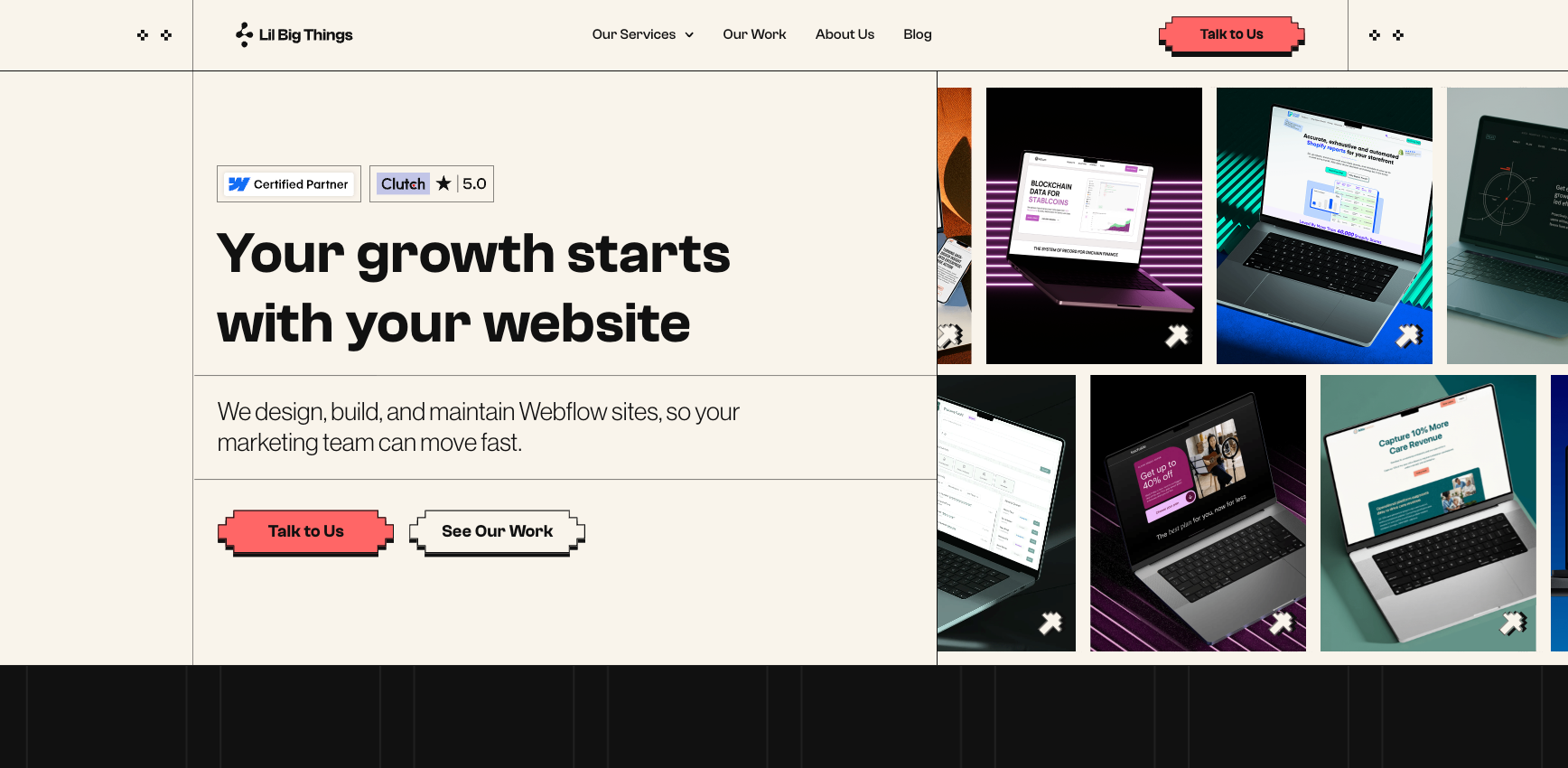
Lil Big Things is a Premier Verified Webflow agency, the highest certification tier Webflow offers. We design, build, and migrate marketing websites for B2B SaaS and tech companies. The team has shipped 150+ sites with a 95% on-time delivery rate and a 9.2+ NPS score
Migration expertise: Lil Big Things handles the full AEM-to-Webflow process: content audit, CMS mapping from Content Fragments to Webflow Collections, component inventory, redirect architecture, metadata transfer, and staged launch. Migration is a core service, not an add-on.
Best suited for: B2B SaaS and tech companies migrating off AEM or other enterprise CMS platforms who want to own their site post-launch.
SEO capabilities: Every URL is mapped before a single Webflow page is built. Redirect logic is finalized in the planning phase. Metadata is audited and rebuilt for all pages. Schema markup is reconstructed and validated. Search Console monitoring runs for 90 days post-launch as a standard deliverable.
Notable strengths: Every site is built so the marketing team can own it after launch. Training and documentation are included in every project. Premier Verified status gives LBT direct access to Webflow's engineering team, which matters for complex CMS migrations with edge cases. See their work here: https://www.lilbigthings.com/our-work
2. RSA Creative Studio
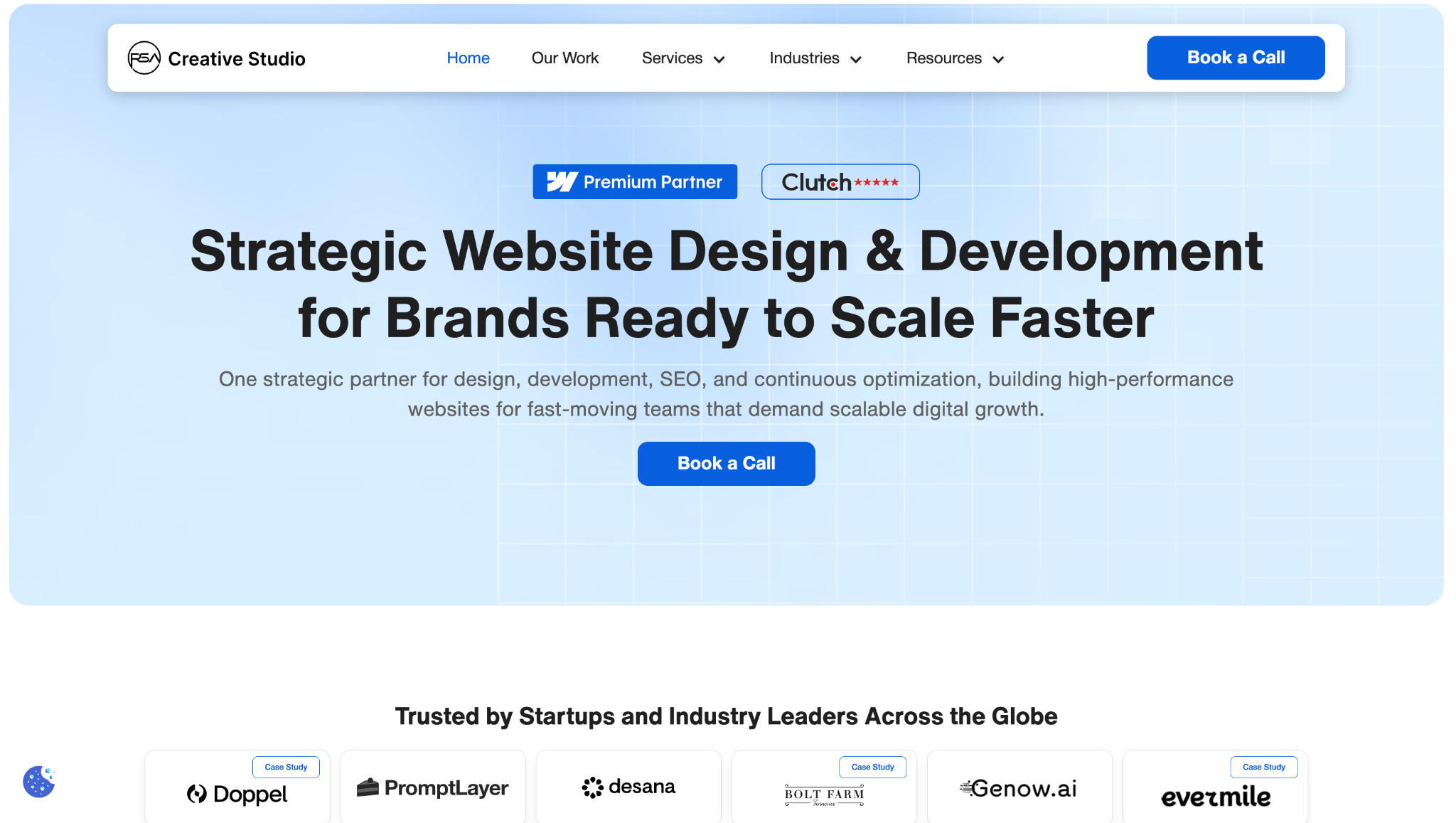
RSA Creative Studio is a Certified Webflow Premium Partner with 5+ years of experience. They have shipped 600+ websites and report 50%+ average conversion growth for clients with underperforming sites. They hold a 5/5 rating on Clutch and won the Clutch Global Award in Fall 2024.
Best suited for: Startups and SaaS companies needing SEO-focused Webflow migrations with ongoing conversion support post-launch.
Migration expertise: RSA's Platform Migration service covers WordPress, Wix, HubSpot, and enterprise CMS platforms. Their framework includes a full SEO audit, redirect map, metadata migration, CMS restructuring, staging environment, and parallel launch.
SEO capabilities: Technical SEO and AEO (Answer Engine Optimization) run as a dedicated service, not an add-on. Their framework targets 100% URL coverage with redirect mapping, metadata transfer, schema setup, canonical configuration, and Search Console submission on launch day.
3. Agota Studio
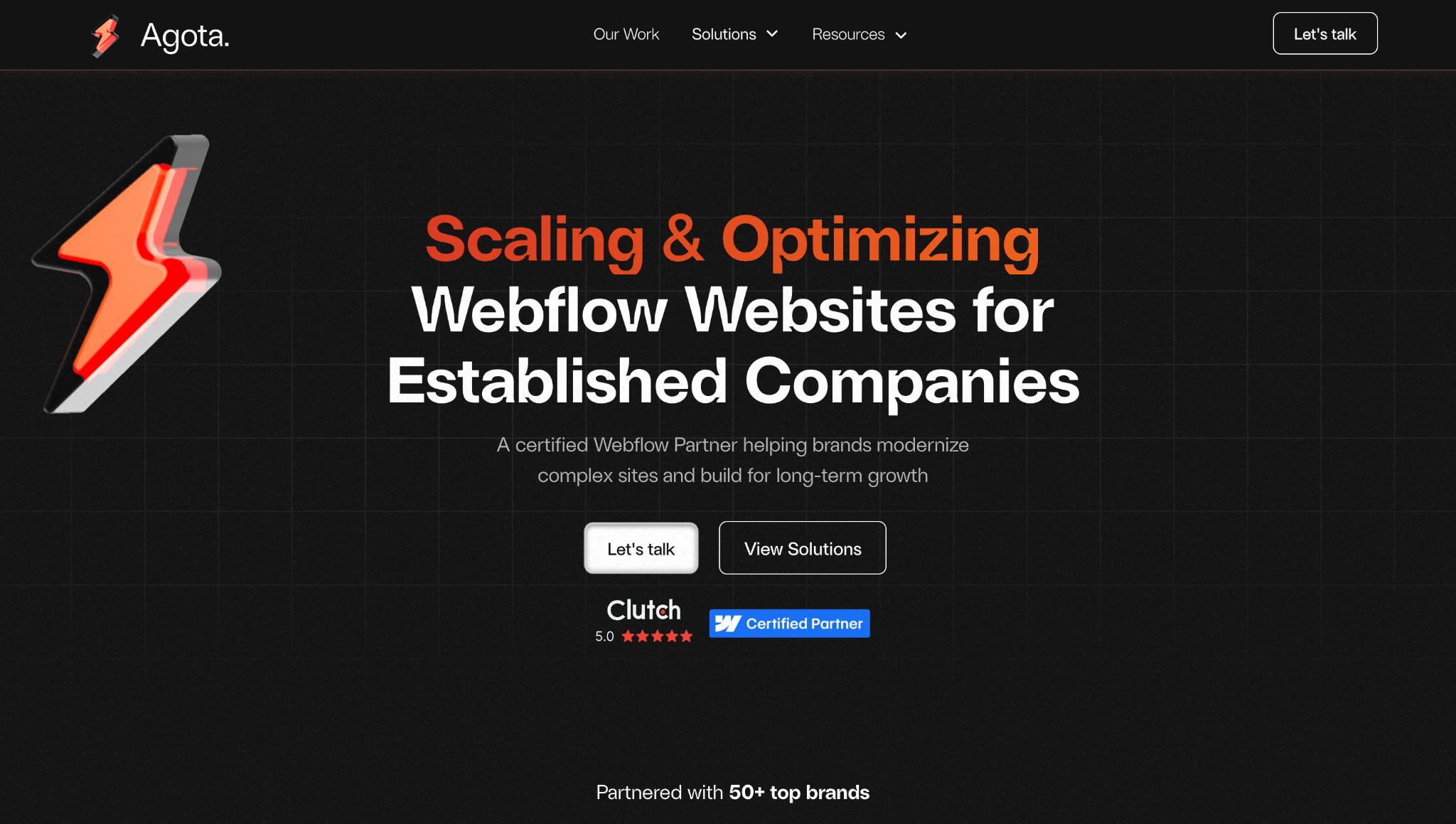
Agota Studio is a certified Webflow agency based in Zurich, Switzerland, specializing in rebuilding and scaling websites for established companies. The team has partnered with 50+ brands across Tech, SaaS, and Heavy Industry, and holds a 5/5 Clutch rating across nine verified reviews.
Best suited for: Established companies in Tech, SaaS, and Heavy Industry that want a technically precise, closely collaborative agency partnership.
Migration expertise: Agota offers migration services from Sketch, Adobe XD, and WordPress to Webflow. They have migrated Groundswell, a B2B financial services company, to a fully redesigned Webflow site, and build Webflow web applications for functional requirements beyond standard Webflow capabilities.
SEO capabilities: Multiple Clutch reviewers cite their SEO expertise specifically. "Exceptional Webflow developers with strong SEO expertise," said Dmitry Alexin, Founder of 1build.
Common Adobe migration challenges (and how experienced agencies solve them)
Large content libraries
AEM stores content across Content Fragments, DAM assets, and page templates in what can be a large, inconsistently structured repository built up over years. A professional agency audits the full content inventory before touching any build work: cataloguing every page type, CMS content category, asset type, and component variant, then mapping each one to its Webflow equivalent.
Content Fragments are migrated to Webflow CMS Collections field by field. DAM assets are exported, optimized for WebP, and re-uploaded with alt text and metadata preserved.
SEO preservation
AEM URL structures vary depending on how and when pages were built. Content Fragment paths and Sites paths often differ from each other within the same AEM instance. URL changes without a matching redirect are the most common cause of post-migration ranking loss. Every AEM URL needs a documented Webflow destination before the build starts.
Metadata stored in AEM page properties must be extracted and rebuilt page by page. Schema markup, canonical tags, and internal link structure all need auditing and rebuilding as part of the migration, not after it.
Custom features and integrations
AEM sites commonly rely on custom Java components for search, forms, content filtering, and personalization. None of these transfer to Webflow natively. Each one must be assessed, then rebuilt using custom JavaScript, a third-party tool, or a Webflow-compatible alternative.
CRM integrations connected to AEM forms or data layers need to be remapped. Analytics setups built for Adobe Analytics need to be rebuilt for Webflow's GTM-compatible environment. Every custom feature is a scoping conversation, not an assumption.
How a professional Adobe to Webflow migration works
Here is what a professional AEM-to-Webflow migration looks like from the initial audit through to post-launch monitoring. Six steps, no ambiguity.
1. Website audit and discovery
The agency crawls the full AEM site to inventory every page, URL, content type, component, integration, and asset. High-value pages by traffic and backlinks are flagged for priority treatment in the redirect map. The output is a documented audit covering the full page inventory, CMS content architecture, active integrations, and SEO risk assessment.
2. Migration planning
The redirect map is built before any development starts. Every AEM URL is documented alongside its Webflow destination. The Webflow CMS architecture is designed to mirror AEM's Content Fragment structure, with field types, required fields, and reference relationships defined in advance. A component inventory maps every AEM component to a Webflow equivalent or custom code replacement. Timeline, staging milestones, QA checkpoints, and launch date are agreed before build starts.
3. Design and CMS migration
The Webflow site is built in staging. Design is either migrated from the existing AEM template or redesigned depending on project scope. CMS Collections are configured and content is migrated. Content Fragments are exported and imported via CSV or manual entry for complex content models. Assets from AEM DAM are exported, optimized, and uploaded to Webflow or a third-party DAM. Reusable components like navigation, footer, and CTAs are built as Symbols so future site-wide updates take seconds, not days.
4. SEO migration
301 redirects are uploaded to Webflow and verified in staging before any DNS changes happen. Per-page metadata (title tags, meta descriptions, Open Graph fields) is rebuilt and reviewed for quality and keyword alignment. Schema markup is reconstructed and validated with Google's Rich Results Test. Canonicals are set. The sitemap is generated and queued for Search Console submission on launch day.
5. QA and testing
A full site crawl in staging catches broken links, missing metadata, and indexing errors before anything goes live. Cross-browser and device testing covers Chrome, Firefox, Safari, and Edge across desktop, tablet, and mobile. Forms, CRM connections, analytics events, and Core Web Vitals scores are all confirmed before the launch window opens.
6. Launch and post-launch monitoring
DNS records are updated and the Webflow site goes live. AEM stays on standby for 48-72 hours. The sitemap is submitted to Search Console on day one. Crawl errors are reviewed within 24 hours. Traffic and ranking data are monitored weekly for 90 days. The marketing team receives a CMS training session and written documentation so they can operate the site independently from day one.
How much should you invest in a Adobe to Webflow migration
Small sites (15-30 pages, minimal CMS, one or two integrations): two to four weeks. Medium sites (30-100 pages, CMS collections, standard CRM and analytics integrations): four to eight weeks. Large sites (100-300 pages, complex CMS, custom components, DAM migration): eight to sixteen weeks. Enterprise scope (300+ pages, multiple content teams, AEM DAM replacement, multi-language): sixteen to twenty-four weeks or more. A combined redesign-and-migrate engagement adds two to six weeks depending on design scope.
How to choose the right Adobe to Webflow agency
Choosing an Adobe to Webflow migration agency is a different decision from hiring a general Webflow design agency. AEM migrations require platform-specific knowledge, a structured SEO process, and experience rebuilding the kind of custom functionality AEM sites rely on. Here is what to look for.
- Proven migration experience. Ask how many enterprise CMS migrations they have completed and request specific examples. Webflow design experience is not the same as enterprise CMS migration experience.
- SEO expertise. The redirect map should be built in the planning phase, not after the site goes live. If an agency treats SEO as a post-launch checklist item, that is a problem.
- Webflow specialization. Look for Certified Premium Partners or Premier Verified agencies. These are teams that Webflow has vetted and that have documented platform depth, not agencies that "also do Webflow."
- Technical capability. AEM sites have custom components, complex integrations, and content models that do not map neatly to standard Webflow builds. Confirm the agency can handle custom code, API connections, and non-standard CMS mapping.
- Transparent process. A professional agency provides a phased plan with defined deliverables, staging milestones, QA checkpoints, and a clear launch process. Vague timelines produce unpredictable outcomes.
- Post-launch support. Migration is the start, not the finish. You need training, written documentation, and a defined support period after launch, not an agency that disappears after DNS cutover.
Questions to ask before hiring a migration agency
These questions are worth bringing to any agency discovery call. The answers will tell you quickly whether the team has done this before and has a process for it.
- How many AEM or enterprise CMS migrations have you completed in the past 12 months?
- How do you build and validate the redirect map, and when in the project is it finalized?
- How do you handle AEM Content Fragment migration to Webflow CMS Collections?
- How do you replace AEM-specific functionality (custom search, AEM Forms, personalization overlays) in Webflow?
- Do you build the Webflow site in staging while the AEM site stays live?
- What does your QA process look like before DNS cutover?
- Who owns the Webflow site after launch, and what training and documentation do you provide?
- How do you monitor SEO performance in the 30-90 days after launch?
- What happens if traffic drops post-migration? What is your remediation process?
- How do you define a successful migration and how do you measure it?
Why choose Lil Big Things?
Lil Big Things is built for B2B SaaS startups and scaleups, specifically marketing teams that have outgrown their current site and need to move without hiring an internal web team.
What separates our approach is that we think like marketers. From Webflow design to full builds, every decision is made to ensure that the marketing team uses this independently after launch. This determines how collections are structured, how the Editor interface is set up, and which integrations get built.
Clients like Teachable, Element5, Localyze, and Minoa come back for ongoing work because the systems actually work after handoff.
The ongoing partnership model is Slack-integrated, responsive, and accountable. It keeps us embedded in your workflow for as long as you need it.
Frequently Asked Questions
Most migrations take between two and eight weeks for sites under 100 pages. Large sites with complex CMS, custom components, and DAM migration typically run eight to sixteen weeks. A combined migration and visual redesign adds two to six weeks. The main variables are page count, CMS complexity, and the number of custom integrations that need to be rebuilt.
Not with proper execution. The two biggest risks are broken redirects and URL structure changes that strip ranking signals from your pages. A professional agency builds the redirect map before development starts and monitors Search Console for 30-90 days after launch. Most properly executed migrations maintain or improve organic performance within 60-90 days.
Most of it can be rebuilt. Custom Sling components, AEM Forms, and Adobe Target personalization do not transfer natively. They are replaced using custom JavaScript, API integrations, and Webflow-compatible alternatives identified during the audit phase. The migration planning document covers every custom feature and proposes a replacement approach before build starts.
Small sites (15-30 pages): $5,000-$15,000. Medium sites (30-100 pages): $15,000-$40,000. Large or complex sites with custom functionality and DAM migration: $40,000-$100,000+. AEM migrations cost more than WordPress or Wix migrations because the source architecture is more complex. Page count, custom functionality, and whether a visual redesign is included are the main cost drivers.
Depends on the current design. If the AEM site has a strong visual identity and a clear information architecture, migrating without redesign is faster and lower-risk. If the site is outdated or the structure needs reworking, combining both is more efficient than running them sequentially. The downside is more moving parts during QA and a longer timeline.
Only if every URL matches exactly between AEM and Webflow, including path structure, trailing slashes, and Content Fragment path conventions. In most AEM migrations, the URL structures do not match exactly. Always audit URL parity before deciding to skip redirects.
Three things help the most: a full crawl of the current AEM site (Screaming Frog works well for this), a list of every integration connected to the site including CRM, analytics, and marketing tools, and access to the AEM admin panel and DAM so the agency can audit the content architecture before scoping begins.
AEM DAM does not transfer to Webflow directly. Assets must be exported, optimized, and re-uploaded to Webflow's Asset Manager or a third-party DAM such as Cloudinary or Brandfolder. For large asset libraries, DAM migration is a separate workstream that needs dedicated scoping and planning before the build starts.
_1.svg)
_1.svg)