Businesses migrate from Framer to Webflow when they outgrow Framer's lightweight, design-first setup. While Framer excels at rapid prototyping and visual flair, growing companies typically switch to Webflow for its powerful content management system (CMS), enterprise-grade scalability, and deeper search engine optimization (SEO) control.
The bigger risk is the agency running your migration determines whether your SEO survives, your traffic holds, and your team can actually use the site after it goes live. Pick the wrong partner and you could be looking at months of recovery work before you see a net gain.
This guide covers:
- Why businesses are leaving Framer for Webflow in 2026
- The best Framer to Webflow migration agencies, compared
- How to protect SEO throughout the migration
- What to look for when evaluating and choosing a migration partner
We cover the agencies, the process, and the questions worth asking before you sign anything.
Why companies move from Framer to Webflow
1. Reduce maintenance and improve performance
Framer is a managed SaaS platform, so there are no plugins to patch or servers to manage. The maintenance case for leaving is about performance. Complex animations degrade Core Web Vitals over time as a Framer site grows, and the platform's code output was not optimized for search performance.
Webflow is hosted on a global AWS CDN with built-in SSL, 99.99% uptime, and a SOC 2 Type II security certification. There is nothing to configure and nothing to maintain.
2. Give marketing teams more control
In Framer, structural changes to a page require someone comfortable on the design canvas. That usually means waiting on a developer or designer every time marketing needs to update a layout. Webflow's Editor mode lets non-technical team members publish content, update CMS fields, and build standard pages without touching the designer. Companies that switch from more developer-dependent platforms report up to 67% fewer developer tickets after migration. Marketing campaigns stop waiting in a queue.
Framer vs Webflow at a glance
Before comparing agencies, it is worth confirming Webflow is the right move for your business. The table below covers the areas that matter most in the decision, not every platform feature.
Framer is the right tool for early-stage companies and design-led teams that need to ship a clean 15-page site fast. Webflow makes more sense for B2B SaaS and tech companies where marketing needs to operate independently, the content library is growing, and SEO is a meaningful acquisition channel.
3 best Framer to Webflow migration agencies
1. Lil Big Things
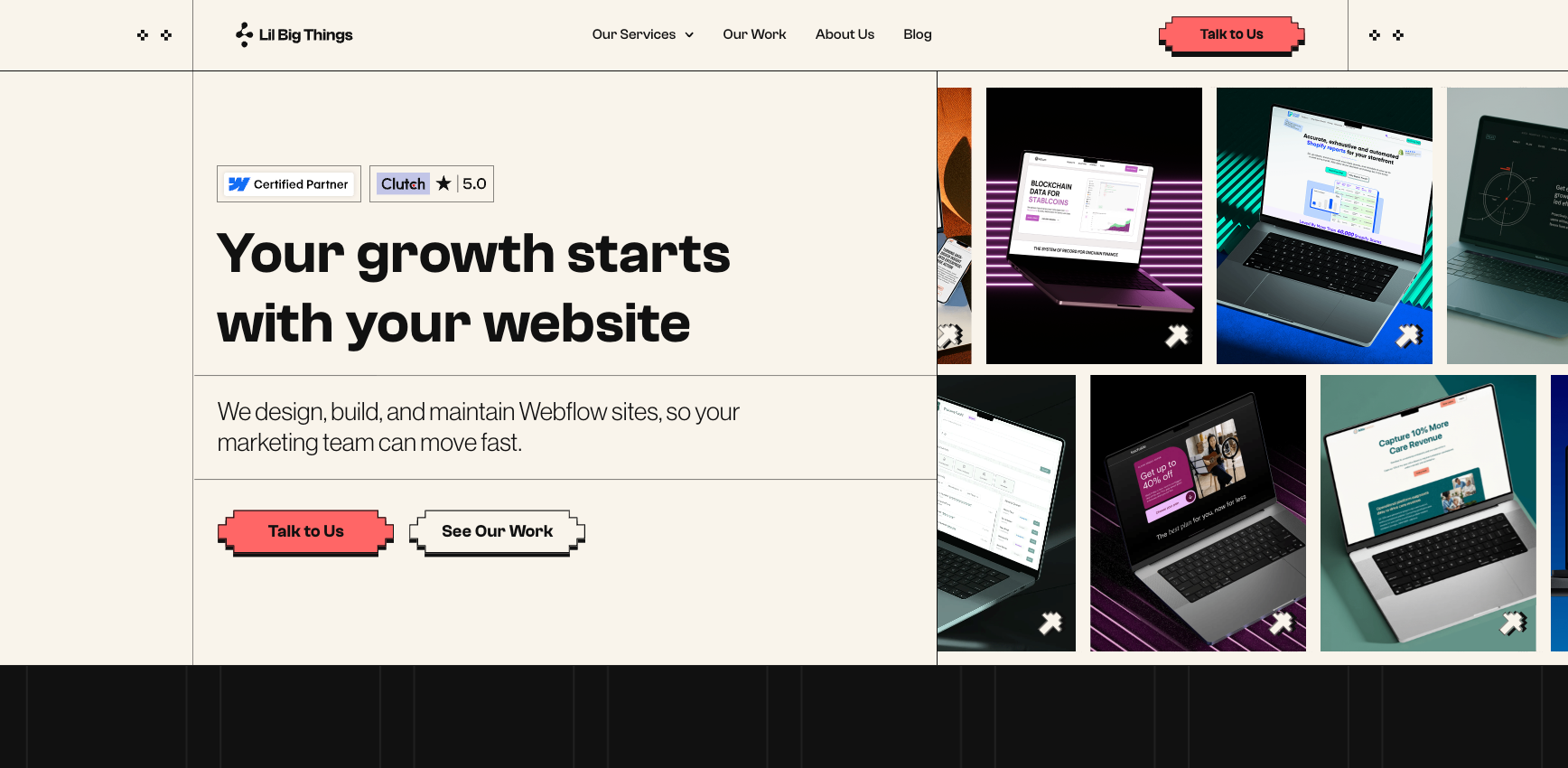
Lil Big Things is a Premier Verified Webflow agency, the highest certification tier Webflow offers, for B2B SaaS startups and scaleups. They have shipped 150+ sites with a 95% on-time delivery rate and a 9.2+ NPS score across four continents, and were named Top Agency for Spring 2026 by 50Pros.
Best suited for: B2B SaaS, MarTech, AI, Data, FinTech, and HealthTech companies from Seed through Series C with marketing teams of two to 15 who have outgrown Framer's CMS limits or need their site to function as a demand-generation engine.
Migration expertise: Lil Big Things handles the full Framer-to-Webflow process: content audit, CMS architecture design, component inventory, redirect mapping, metadata transfer, integration reconnection, and staged launch. Migration is a core service, not an add-on. See their Webflow work here: https://www.lilbigthings.com/our-work
SEO capabilities: The redirect map is built before any Webflow page is developed. Every Framer URL has a documented destination before build starts. Metadata is audited and rebuilt for all pages. Schema markup is validated. Search Console monitoring runs as a standard deliverable for 90 days post-launch.
Notable strengths: Every CMS architecture and publishing workflow decision is made around one question: can the marketing team own this site after launch? Training and written documentation are in scope on every project. Premier Verified status gives direct access to Webflow's engineering team for complex edge cases.
2. Composite
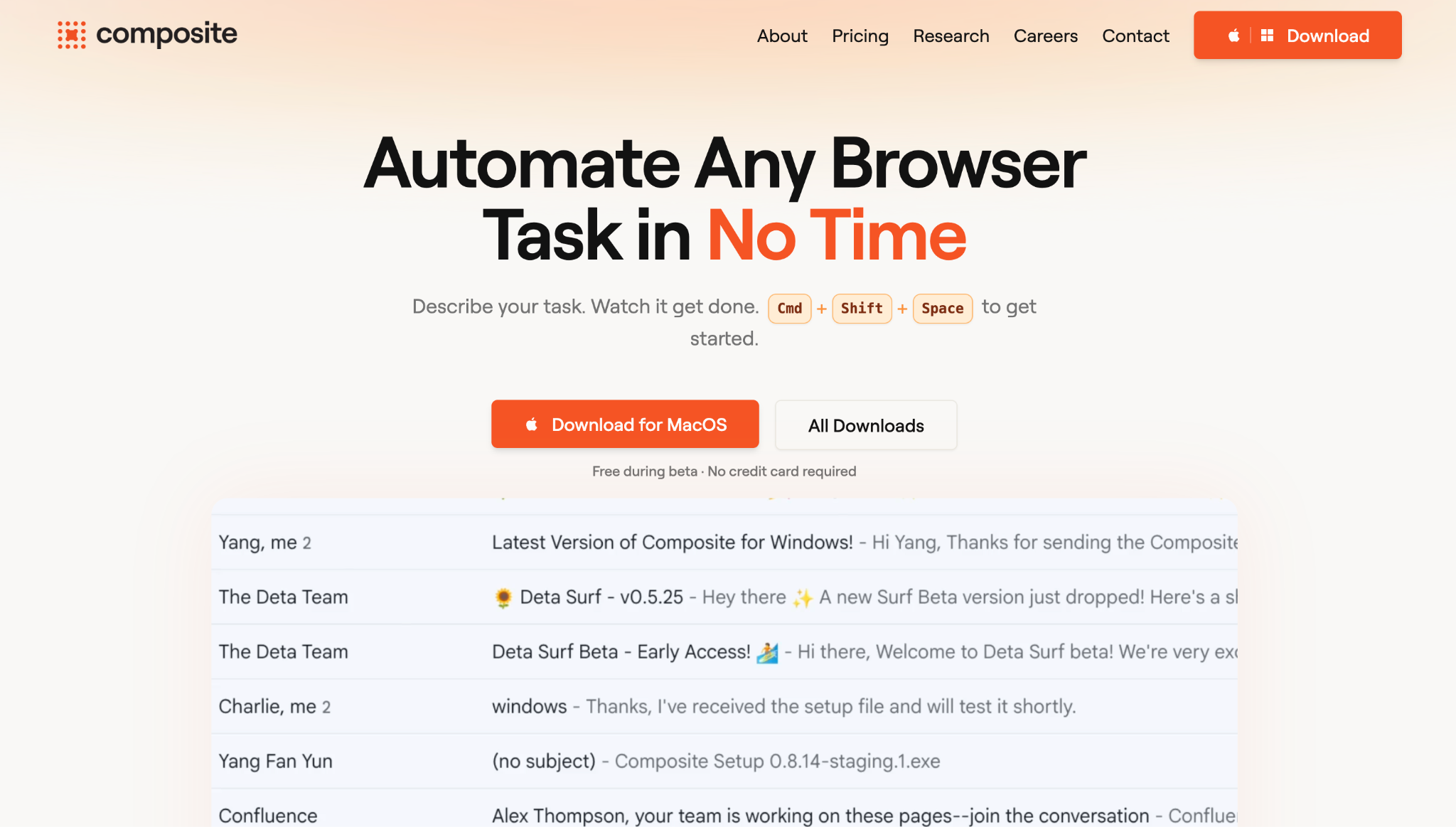
Composite is an award-winning Webflow Enterprise Partner based in Brooklyn, New York, working with the platform since 2018. They serve enterprise teams and scaling tech companies and were named a Dribbble Select Trendsetter Agency for 2026. Clients include AutoTrader, Notable Health, Obligo, Gather AI, and Blockaid.
Best suited for: Enterprise teams and funded scale-ups in tech, finance, and healthcare that want a design-forward Webflow migration with strong enterprise architecture capability.
Migration expertise: Composite offers dedicated Framer-to-Webflow migration covering initial audit (Week 1), design reproduction (Weeks 2–3), CMS and content migration (Weeks 4–7), SEO management (Week 8), and QA plus launch (Week 9). They migrated Obligo, a 30-page fintech site, in three weeks, resulting in a 240% increase in site performance.
SEO capabilities: SEO is built into the migration process as a dedicated phase. Redirects, metadata, and schema are implemented before launch, not as a post-launch cleanup.
3. Flow Ninja
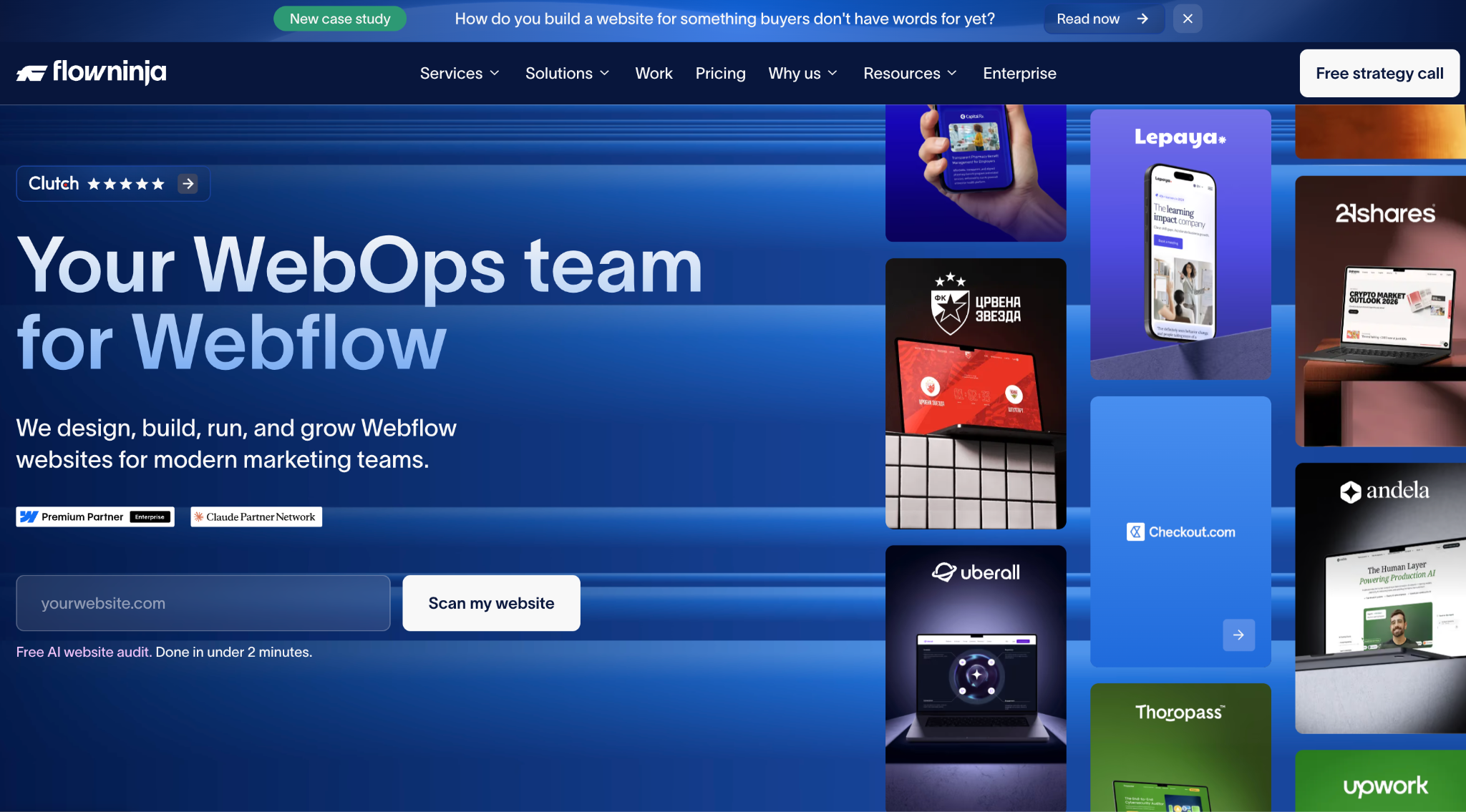
Flow Ninja is a full-service Webflow agency and WebOps company with 65+ in-house experts. One of the first Webflow agencies globally, building with the platform since 2015. They have completed 100+ migrations from WordPress, Drupal, AEM, Sitecore, HubSpot, Contentful, and Framer, and host flowConf, Europe's leading Webflow conference. Clients include 21Shares, Trustly, and Upwork, a partnership running five-plus years and 1,000+ pages launched.
Best suited for: Mid-market and enterprise teams with complex CMS needs, high content volume, or ongoing WebOps requirements post-migration.
Migration expertise: Dedicated Framer-to-Webflow service covering audit, CMS mapping, design rebuild, SEO setup, QA, and launch. Most Framer migrations run two to five weeks. 21Shares migration: $300K+ in annual cost savings and 61% faster page speed.
SEO capabilities: SEO team embedded from day one across all 100+ migrations, with a 92% SEO retention rate. Redirect mapping, structured data, metadata, Core Web Vitals, and post-launch monitoring are standard.
How a professional Framer to Webflow migration works
Here is what a professional migration looks like from the initial audit through to post-launch monitoring. Six steps, no ambiguity.
1. Website audit and discovery
The agency crawls the full Framer site to inventory every page, URL, CMS collection, integration, animation, and media asset. High-value pages by traffic and backlinks are flagged for priority treatment in the redirect map. The output is a documented audit covering page inventory, CMS architecture, active integrations, and SEO risk assessment.
2. Migration planning
The redirect map is built before any development starts. Every Framer URL is documented alongside its Webflow destination. The Webflow CMS architecture is designed to replace Framer's flat collections with structured, relational Collections. An animation inventory identifies what can be rebuilt in Webflow Interactions and what requires GSAP. Timeline, staging milestones, QA checkpoints, and the launch date are agreed before build starts.
3. Design and CMS migration
The Webflow site is built in staging. Design is migrated from the existing Framer visual identity or redesigned, depending on project scope. CMS Collections are configured and content is migrated via CSV for structured volume or manual entry for complex models. Media assets are exported, optimized for WebP, and uploaded with alt text and metadata preserved. Reusable components are built as Symbols so site-wide updates take seconds, not days.
4. SEO migration
301 redirects are uploaded to Webflow and verified in staging before any DNS changes happen. Per-page metadata is rebuilt and reviewed for quality and keyword alignment. Schema markup is reconstructed and validated with Google's Rich Results Test. Canonical tags are set. The sitemap is generated and queued for Search Console submission on launch day.
5. QA and testing
A full site crawl in staging catches broken links, missing metadata, and indexing errors before anything goes live. Cross-browser and device testing covers Chrome, Firefox, Safari, and Edge across desktop, tablet, and mobile. Forms, CRM connections, analytics events, animation behavior, and Core Web Vitals are all confirmed before the launch window opens.
6. Launch and post-launch monitoring
DNS records are updated and the Webflow site goes live. The Framer site stays accessible for 48 to 72 hours. The sitemap is submitted to Search Console on day one. Crawl errors are reviewed within 24 hours. Traffic and ranking data are monitored weekly for 90 days. The marketing team receives a CMS training session and written documentation so they can run the site independently from day one.
How much should you invest in a Framer to Webflow migration
Most Framer-to-Webflow migrations run two to eight weeks, depending on site size and complexity. Animation-heavy Framer sites take longer because every motion pattern is rebuilt by hand. This is a cost variable specific to Framer migrations that does not apply to WordPress or Squarespace moves.
How to choose the right Framer to Webflow agency
Choosing a Framer migration agency is a different decision from hiring a general Webflow design agency. Here is what to evaluate before you sign.
- Proven migration experience. Ask specifically for Framer-to-Webflow examples, not a general Webflow portfolio. A team that has shipped 50 new Webflow sites has not necessarily run a single migration correctly. Webflow development experience (https://www.lilbigthings.com/webflow-development) is not the same as migration experience.
- SEO expertise. The redirect map should be finalized in the planning phase, not during QA or after launch. If an agency builds it at the end, they do not understand migration.
- Webflow specialization. Look for Certified Premium Partners or Premier Verified agencies. These are teams Webflow has vetted for platform depth. Premier Verified is the top tier. A generalist agency that "also does Webflow" is a different thing entirely.
- Technical capability. Framer sites have custom animations, integration stacks, and sometimes custom code. Confirm the agency can handle GSAP-based motion rebuilding, API connections, and non-standard CMS mapping. Ask for a specific example of a complex Framer animation they rebuilt.
- Transparent process. A professional agency provides a phased plan with defined deliverables, staging milestones, QA checkpoints, and a clear launch protocol. Vague timelines produce unpredictable outcomes.
- Post-launch support. Training, written documentation, and a defined support period after launch are non-negotiable. The agency that disappears at DNS cutover is the agency that costs you a second migration.
Questions to ask before hiring a migration agency
Bring these to your first agency call. The answers will tell you quickly whether the team has done this before and has a real process for it.
- How many Framer-to-Webflow migrations have you completed in the past 12 months, and can I speak to one of those clients?
- When in the project do you build the redirect map, before or after development starts?
- How do you migrate CMS content from Framer into Webflow Collections, and how do you handle content that does not map cleanly?
- How do you rebuild Framer animations in Webflow, which use Webflow Interactions and which require GSAP?
- Do you build the Webflow site in staging while the Framer site stays live?
- What does your QA process cover before DNS cutover, and how long does it take?
- Who owns the Webflow site after launch, and what training and documentation does the marketing team receive?
- How do you monitor SEO performance in the 30 to 90 days after launch, and what is your remediation process if rankings drop?
- What is your definition of a successful migration and how do you measure it?
- What post-launch support is included, and what costs extra?
Why choose Lil Big Things?
Lil Big Things is built for B2B SaaS startups and scaleups, specifically marketing teams that have outgrown their current site and need to move without hiring an internal web team.
What separates our approach is that we think like marketers. From Webflow design to full builds, every decision is made to ensure that the marketing team uses this independently after launch. This determines how collections are structured, how the Editor interface is set up, and which integrations get built.
Clients like Teachable, Element5, Localyze, and Minoa come back for ongoing work because the systems actually work after handoff.
The ongoing partnership model is Slack-integrated, responsive, and accountable. It keeps us embedded in your workflow for as long as you need it.
Frequently Asked Questions
Most Framer-to-Webflow migrations take between two and eight weeks. Small sites (10–25 pages with light CMS) run two to four weeks. Medium sites with CMS collections and standard integrations run four to eight weeks. Animation-heavy Framer sites or combined migration-plus-redesign projects can run eight to 14 weeks. The main variables are page count, animation complexity, CMS volume, and redesign scope.
Not with the right execution. The biggest risks are broken redirects and missing metadata, both preventable with a redirect map built before development starts and a metadata audit before launch. A well-run migration maintains or improves organic performance within 60 to 90 days. Without proper execution, recovery averages 523 days based on an analysis of 892 migrations, and 17% of those sites never recovered their pre-migration traffic.
Most can be rebuilt. Framer's motion library does not transfer natively to Webflow, but Webflow's Interactions engine handles the majority of scroll-triggered effects, hover states, and page transitions. For complex physics-based or micro-interaction animations, GSAP (GreenSock) is implemented in Webflow's custom code layer. The result is visually equivalent to the Framer original.
Small sites (10–25 pages): $5,000–$15,000. Medium sites (25–75 pages): $15,000–$35,000. Complex sites with significant animation systems and custom CMS: $35,000–$70,000. Animation rebuilding is the main cost variable specific to Framer migrations, it is frequently underestimated in initial scoping conversations and does not apply to WordPress or Squarespace migrations.
If the current design is strong, migrate without a redesign. It is faster, lower-risk, and easier to QA. If the site needs structural or visual updates, combining both is more efficient than running them sequentially. The downside is more moving parts during QA and a longer timeline. The typical recommendation: migrate cleanly, then iterate in Webflow.
Yes, but it is a manual process. There is no automated Framer-to-Webflow CMS transfer. Content is mapped field by field into Webflow Collections. For structured content in volume, CSV import works well. For complex relational content models, manual entry or API-based migration is used. Content is verified post-import for formatting, metadata, and SEO accuracy.
Only if every URL matches exactly between Framer and Webflow, including path structure and trailing slash conventions. In most migrations, there are differences. Always audit URL parity before deciding to skip redirects. One missed redirect on a high-traffic page can cause meaningful ranking loss.
Three things help the most: a full inventory of your Framer site's pages and CMS content, a list of every integration connected to the site (CRM, analytics, forms, marketing automation), and access to your Google Search Console and Google Analytics accounts so the agency can document your traffic baseline before work starts.
_1.svg)