_2.svg)
Businesses migrate from a custom CMS to Webflow to eliminate developer bottlenecks, reduce ongoing maintenance overhead, and gain visual design freedom. A custom-coded backend often forces marketing teams to rely on software engineers for basic page updates, whereas Webflow provides an intuitive visual editor and scalable content management system.
A poorly executed migration can wipe out months of organic rankings before anyone identifies the cause , SEO, traffic, and business continuity are all at stake before a single page goes live. Choosing the right agency is often more important than choosing Webflow itself, because the cost of getting it wrong is real.
This guide covers:
- Why businesses migrate from a custom CMS to Webflow
- The best custom CMS to Webflow migration agencies, compared on process, SEO capability, and post-launch support
- How to protect your search rankings through the migration
- How to evaluate and choose the right migration partner
It compares the top agencies, walks through what a professional migration looks like step by step, and helps you make the right call with confidence.
Why companies move from custom CMS to Webflow
1. Reduce maintenance and improve performance
Maintaining a custom CMS costs more than most companies realize. Teams typically spend 15–30 engineering hours per month on server patches, framework updates, and security monitoring , infrastructure work that delivers nothing to the user. At market engineering rates, that's $1,500–$4,500 per month in hidden labor, before hosting fees.
Webflow is a SOC-2 compliant managed platform. Security, CDN delivery, and infrastructure are handled by Webflow via Fastly and AWS. Engineering teams contribute zero hours to infrastructure after launch, and the performance baseline , sites consistently scoring 85–95 on PageSpeed Insights , is built in by default.
2. Give marketing teams more control
In a custom CMS, a content update that should take 20 minutes , editing a hero headline, adding a CTA, publishing a landing page , typically requires a developer ticket, a review cycle, and a deployment window.
Teams that move to Webflow report shipping campaigns 5–10x faster than before. Marketing can build, update, and publish without touching code. That's not a feature. It's a change in how fast a company can actually move.
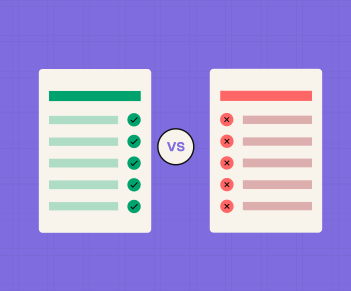
Custom CMS vs Webflow at a glance
This table is a decision aid, not a feature list. Each row answers one business question: is this costing your team right now?
Companies with tightly integrated product backends, content libraries over 10,000 items, or dedicated in-house engineering teams actively managing the CMS may be better served staying put. Companies where marketing files tickets to update the homepage , or where the original CMS developer is no longer around , are the clearest candidates for Webflow.
3 best custom CMS to Webflow migration agencies
Lil Big Things
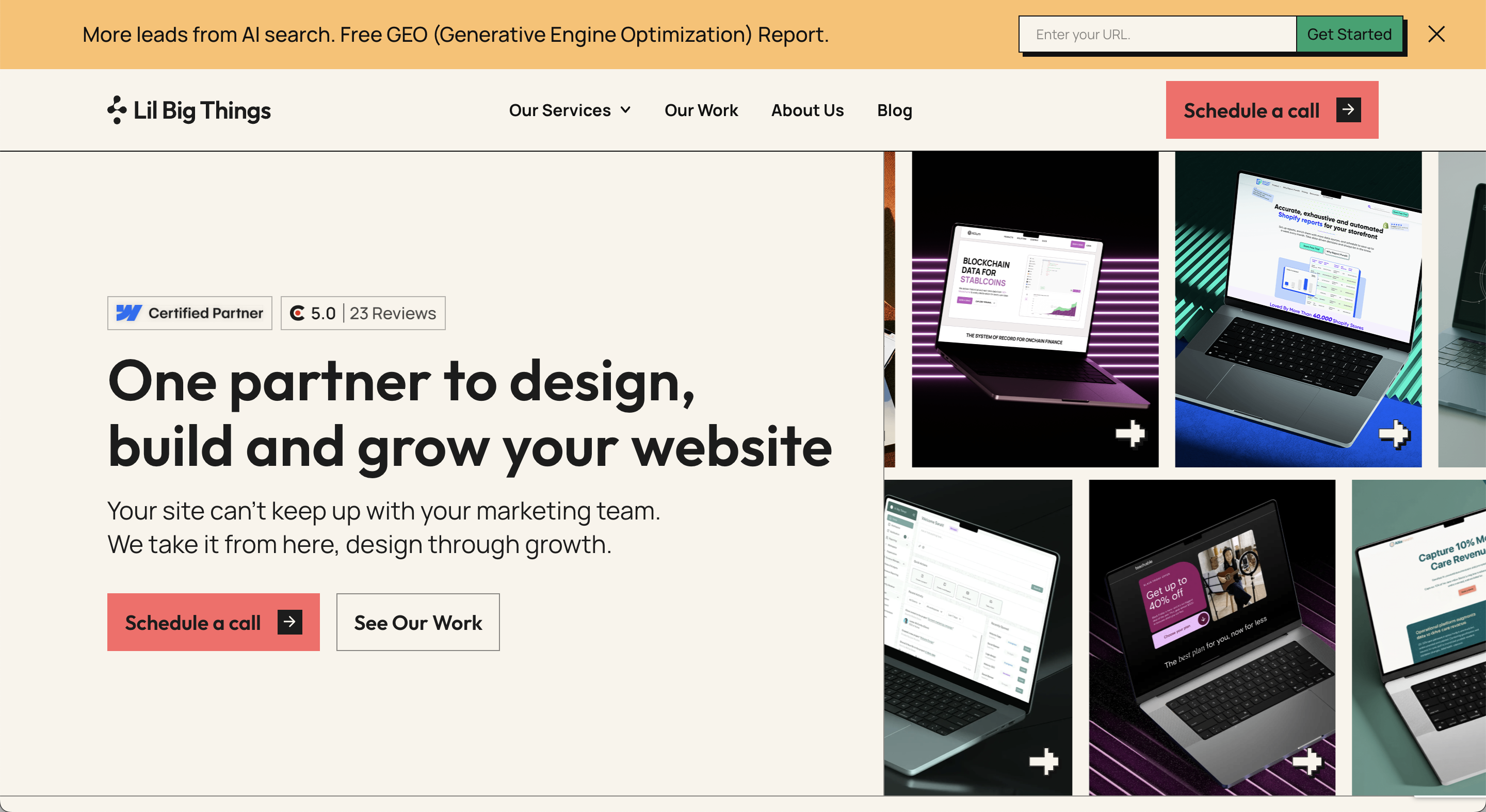
Lil Big Things is a Premier Verified Webflow agency for B2B startups and scaleups. Since 2021, the team has shipped 150+ sites with a 95% on-time delivery rate and a 9.2+ NPS from clients across four continents. Named a Top Agency for Spring 2026 by 50Pros, LBT holds Webflow's highest certification tier. Our Webflow development work spans B2B SaaS, MarTech, AI, Data & Analytics, HealthTech, and FinTech.
Best suited for: B2B SaaS companies at Seed through Series C with marketing teams of 2–15 who need to move fast without building or managing an internal web team after launch.
Migration expertise: End-to-end custom CMS migrations covering site audit, database schema analysis, CMS architecture design in Webflow (mapping existing content types and relational structures to Collections), redirect mapping, metadata transfer, integration wiring (HubSpot, GA4, Salesforce, Marketo), and post-launch SEO monitoring. Every migration starts with a full Screaming Frog crawl , because sitemaps alone don't capture every URL carrying backlink equity.
SEO capabilities: SEO runs as a parallel workstream from day one. The redirect map is built before the first Webflow page exists. A pre-migration metadata audit surfaces fields that were missing or inconsistently applied in the original build. Schema is rebuilt per page type as JSON-LD and validated via Google's Rich Results Test. Search Console is monitored daily for 14 days post-launch, with organic traffic benchmarked weekly for 90 days.
Notable strengths: Every CMS architecture decision is built around one question: can the marketing team operate this site independently after launch? The embedded team model means LBT is in Slack, working in client tools, aligned to client timelines. Post-launch support is built into every engagement , not billed separately. There's no black box process, no handoff and disappear.
2. Flowtrix
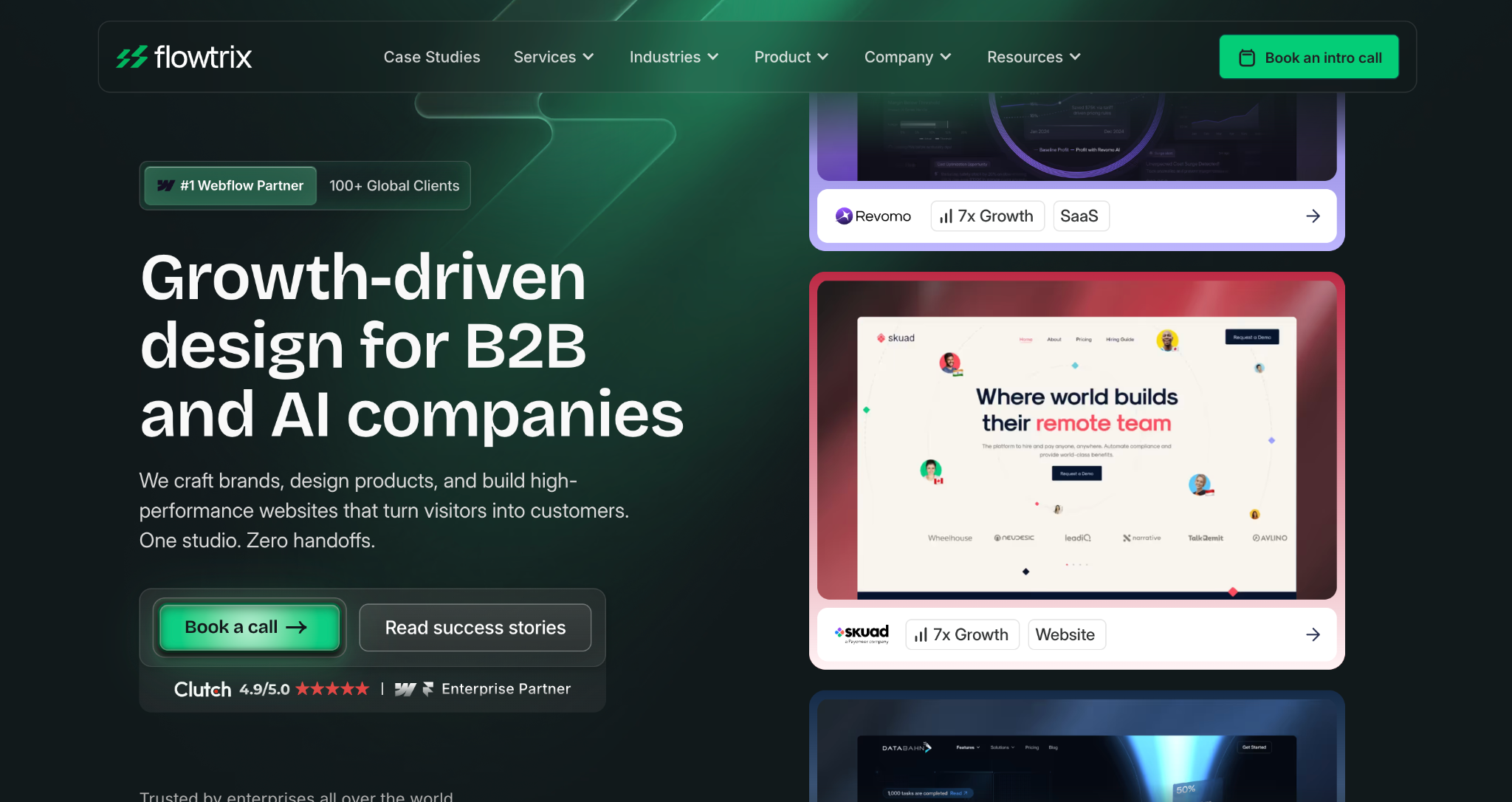
Flowtrix is a Webflow Enterprise Certified Partner , India's only , with 100+ global enterprise projects completed. Headquartered in Bengaluru with a US office in Newark, Delaware, they focus on B2B SaaS and AI companies and were nominated for Webflow Partner of the Year 2025.
Best suited for: Enterprise B2B companies with technically complex custom CMS systems , particularly those with proprietary database structures, relational content models, or custom API logic. Strong fit when a rebrand or design overhaul runs alongside the migration.
Migration expertise: Flowtrix publishes a detailed 10-step custom migration protocol covering database schema audit, strategic content pruning, 301 redirect architecture, a Webflow rebuild using the Client-First framework, ETL (Extract, Transform, Load) from SQL and NoSQL databases, logic replication using Finsweet Attributes and Wized, CRM and ERP integration sync, enterprise security audit, internal team training, and 72-hour post-launch monitoring.
SEO capabilities: A proprietary SEO migration checklist applied to every project, plus post-migration AEO (AI Engine Optimization) , structured work to get clients cited in ChatGPT, Perplexity, Gemini, and Google AI Overviews.
Notable strengths: One team covers branding, UX, Webflow development, SEO, and AEO, which reduces coordination overhead on complex projects. Documented client results include 2.5x engagement increase (Wayground, $61M funded) and 35% conversion rate improvement (Databahn).
3. Flowout
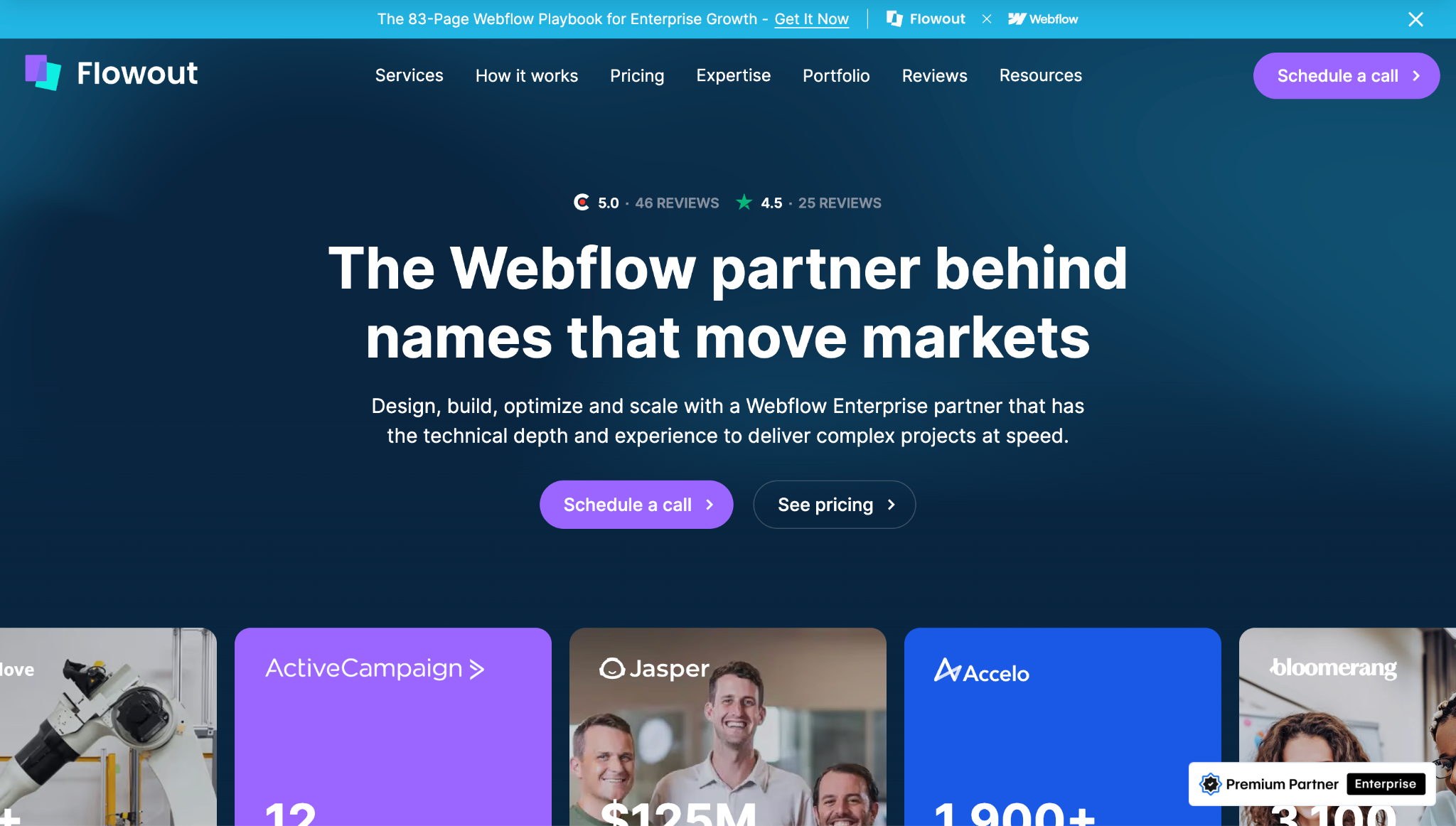
Flowout is a Webflow Enterprise Partner (Premium) based in Maribor, Slovenia, with a US office in Wilmington, DE. Trusted by 460+ companies including Jasper.ai, Stripe, Kajabi, ActiveCampaign, Riverside.fm, and Clipboard Health, they were a finalist for Webflow Agency of the Year 2024 and hold a 4.8/5 rating on both Clutch and Trustpilot.
Best suited for: SaaS companies, VC-backed startups, fintech, healthcare, and AI companies looking for an ongoing Webflow development partner , not just a one-off migration team. Strong fit for enterprise-level migrations and teams that need fast turnaround on continued Webflow work after launch.
Migration expertise: Flowout handles custom-scripted to Webflow migrations end-to-end: design replication or redesign, content transfer, custom code migration (JavaScript, API integrations, complex CMS structures), SEO preservation, and integration setup. Every project is assigned a dedicated project manager. Their stated turnaround on most requests is 1–3 business days.
SEO capabilities: Structured SEO migration strategy covering 301 redirects, URL structure preservation, metadata transfer, and structured data. Post-migration SEO available as an ongoing retainer service.
Notable strengths: Scale and breadth , 460+ clients, 50+ websites launched this year. Dedicated project manager on every engagement. Transparent, upfront pricing with no hidden fees. No long-term contracts required. Their ActiveCampaign project was completed within a 12-week timeframe with strong customer adoption and within budget.
How a professional custom CMS to Webflow migration works
Here is what a well-run migration looks like from start to finish. Design, CMS architecture, SEO, and post-launch monitoring run as integrated workstreams, not sequential phases. Use this as the benchmark to hold any agency to.
1. Website audit and discovery
A full Screaming Frog crawl exports every URL from the live site , pages, blog posts, landing pages, dynamic routes. Sitemaps alone are incomplete; crawls almost always surface URLs not in the sitemap that carry backlink equity that cannot break. GA4 and Search Console identify high-traffic pages and URLs with backlinks that need special attention. Every content type, field schema, and relational structure in the custom CMS is documented before build work begins. All active integrations are catalogued with a confirmed rebuild path agreed before scope is locked.
2. Migration planning
Every old URL maps to its new Webflow equivalent in a redirect spreadsheet before the build starts , this is non-negotiable. Webflow CMS Collection schemas are designed in full: field types, reference relationships, URL slug structure, filtering logic. All confirmed in writing before a single page is built. A DNS cutover date is set with a documented rollback plan from day one.
3. Design and CMS migration
Webflow is set up with a complete design system: typography, color, and spacing defined as variables for consistency across every page. Reusable components are built before individual pages start. Content is extracted from the custom CMS database, cleaned, reformatted to Webflow's CSV import structure, and loaded into Collections in batches. Media assets are re-hosted in Webflow's Asset Manager, and internal links throughout migrated content are updated to point to new Webflow URLs.
4. SEO migration
301 redirects are uploaded to Webflow hosting settings before DNS cutover. Meta titles, descriptions, and canonical tags are transferred during the build , not deferred to the end of the project. Schema is rebuilt per page type as JSON-LD via custom code embeds and validated via Google's Rich Results Test. robots.txt is configured before cutover so the staging environment stops blocking crawlers.
5. QA and testing
Every redirect is tested end-to-end against its expected destination. Every form is submitted and confirmed to reach the CRM. PageSpeed Insights runs on at least 10 key pages before launch. Cross-browser testing covers Chrome, Firefox, Safari, and Edge. Analytics events are confirmed live. Nothing goes live without a signed-off QA pass from both agency and client.
6. Launch and post-launch monitoring
DNS cuts over to Webflow. The new XML sitemap is submitted to Google Search Console on launch day; the old sitemap is removed at the same time. GA4 conversion events are confirmed live. Search Console is monitored daily for 14 days for crawl errors and coverage drops. Organic traffic is benchmarked weekly against the pre-migration baseline for 90 days. The old CMS stays accessible for 30–60 days as a fallback.
How much should you invest in a Custom CMS to Webflow migration
Custom CMS migrations run longer than standard platform migrations because they require database schema analysis, content extraction, and integration replanning , not just a design transfer. A realistic breakdown:
- Small sites (10–30 pages, minimal integrations): 2–4 weeks
- Mid-size sites (30–100 pages, 1–3 integrations, CMS-driven content): 4–6 weeks
- Large sites (100–300 pages, multiple integrations, complex CMS): 6–10 weeks
- Enterprise (300+ pages, custom functionality, multilingual): 10–16 weeks
Page count and content volume drive the most time , more pages means more redirect mapping, more QA, more build work. CMS complexity is the second biggest factor: a simple blog with 500 posts costs materially less than a resource hub with custom fields, multi-reference relationships, and embedded media per item. Integration count, redesign scope, multilingual requirements, and custom functionality each add meaningful scope.
How to choose the right custom CMS to Webflow agency
Choosing the right agency is a risk management decision, not a service shopping exercise. Here are the criteria that actually matter.
- Proven migration experience, custom CMS specifically. Ask for documented examples of custom CMS to Webflow migrations , not just WordPress or Squarespace work. A custom CMS migration requires database analysis and ETL experience that standard migrations don't involve. Generic "we do all migrations" answers are a red flag.
- SEO methodology, not SEO claims. "We preserve SEO" is not a methodology. Ask specifically whether they run a pre-migration metadata audit, whether the redirect map is built before or after the build starts, and how they validate schema post-launch. Any agency that can't answer these questions in detail has not thought through the SEO risk.
- Webflow specialization and certification level. Webflow has three certification tiers: Certified, Partner, and Premium Enterprise Partner. A Premier Verified partner (Lil Big Things) or Enterprise Certified partner (Flowtrix) has cleared Webflow's highest level of technical verification , a meaningful signal for complex projects.
- Technical capability for your specific integrations. Ask for their approach to your specific tools , HubSpot, Salesforce, Algolia, custom APIs , before signing anything. Surface this in the first call, not after scope is agreed.
- Transparent process. When does the redirect map get built? When does QA happen? A good agency can walk you through their process before the project starts. If they can't, the process probably doesn't exist.
- Post-launch support structure. Who monitors Search Console after launch? For how long? Is it included in the project price or billed separately? The first 30 days post-launch are when most migration problems surface , agency availability during this window matters more than most clients realize until it's too late.
Questions to ask before hiring a migration agency
Bring these to your first discovery call. The answers will quickly separate experienced agencies from those overstating their capability.
- Do you run a metadata audit of our existing CMS before migration starts , or after?
- When do you build the redirect map , before the build begins or once the site is ready?
- How do you extract and migrate content from a custom database? Can you walk me through that process?
- How do you rebuild structured data in Webflow, and what tool do you use to validate it?
- What does your QA process cover? Can you walk me through the checklist?
- What typically causes timelines to extend on projects like ours, and what would you need from us to prevent that?
- Who owns the Webflow project after handoff , the client or the agency account?
- What does post-launch monitoring look like, and is Search Console monitoring included?
- How do you measure whether the migration was successful?
- What's the rollback plan if something breaks on launch day?
Why choose Lil Big Things?
Lil Big Things is built for B2B SaaS startups and scaleups, specifically marketing teams that have outgrown their current site and need to move without hiring an internal web team.
What separates our approach is that we think like marketers. From Webflow design to full builds, every decision is made to ensure that the marketing team uses this independently after launch. This determines how collections are structured, how the Editor interface is set up, and which integrations get built.
Clients like Teachable, Element5, Localyze, and Minoa come back for ongoing work because the systems actually work after handoff.
The ongoing partnership model is Slack-integrated, responsive, and accountable. It keeps us embedded in your workflow for as long as you need it.
Frequently Asked Questions
Most mid-size B2B sites , 30–100 pages, 1–3 integrations , take 4–6 weeks. Small sites with minimal complexity complete in 2–4 weeks. Large or enterprise sites with custom functionality typically run 8–16 weeks. The redirect mapping and database extraction phases drive timelines more than design and build do.
A well-executed migration produces a 10–15% traffic dip for two to four weeks as Google reindexes. Most sites return to baseline within 30–60 days when redirects, metadata, and schema were handled correctly. Migrations with major issues , missing redirects, lost metadata, deleted schema , can cause 20–50% drops with recovery timelines of 3–12 months. The agency's pre-launch process is what determines the outcome, not the platform.
Most of it, yes. Webflow's ecosystem handles the majority of requirements: Finsweet Attributes for advanced filtering, Wized and Webflow Logic for web app functionality, Algolia for site search, Memberstack for gated content, Stripe for payments. The exceptions are complex server-side logic and deeply integrated product backends. Any reputable agency should assess your specific features during a technical discovery call before committing to scope.
Custom CMS migrations price higher than standard platform migrations because of the database analysis, content extraction, and integration replanning involved. Small sites typically start from low five figures. Mid-size to large sites run into mid five figures. Enterprise projects vary widely based on scope and complexity. Any flat quote issued without a technical discovery call is a sign that the real scope hasn't been assessed.
Doing both simultaneously is usually more efficient , it avoids two rounds of QA and two disruptions to the team. If the existing design is still on-brand and the goal is operational efficiency (marketing control, performance, reduced maintenance), migrate first and redesign later. If the site is visually outdated or off-brand, combining both is worth the added scope.
Webflow has a native ecommerce module, but it's limited compared to WooCommerce for complex product catalogs and advanced inventory management. For most B2B SaaS companies whose "ecommerce" is a pricing page with a Stripe payment link, Webflow handles it cleanly. For true online stores with complex product variants, a common approach is keeping Shopify for the store while migrating the marketing site to Webflow.
If every URL is identical on the new site, technically no. In practice, custom CMS migrations almost always change some URLs , Webflow's CMS Collection slugs follow a specific structure that often differs from custom routing logic. Any URL that changes needs a redirect. Even when the structure stays the same, redirecting common variations like trailing slash and HTTP vs. HTTPS is standard practice.
A full list of active integrations (what they do and who owns them), admin access to the CMS database or a full content export, GA4 and Search Console access, and a list of your highest-traffic and highest-backlink pages pulled from Search Console and a tool like Ahrefs or Semrush. If you can identify pages to archive vs. migrate before the project starts, even better , it saves meaningful time and produces a cleaner result on the new site.

.png)